Everything you need to get up and running.
Video tutorials covering every feature in DISC Software. Start with the overview or jump straight to what you need.
Get the big picture first.
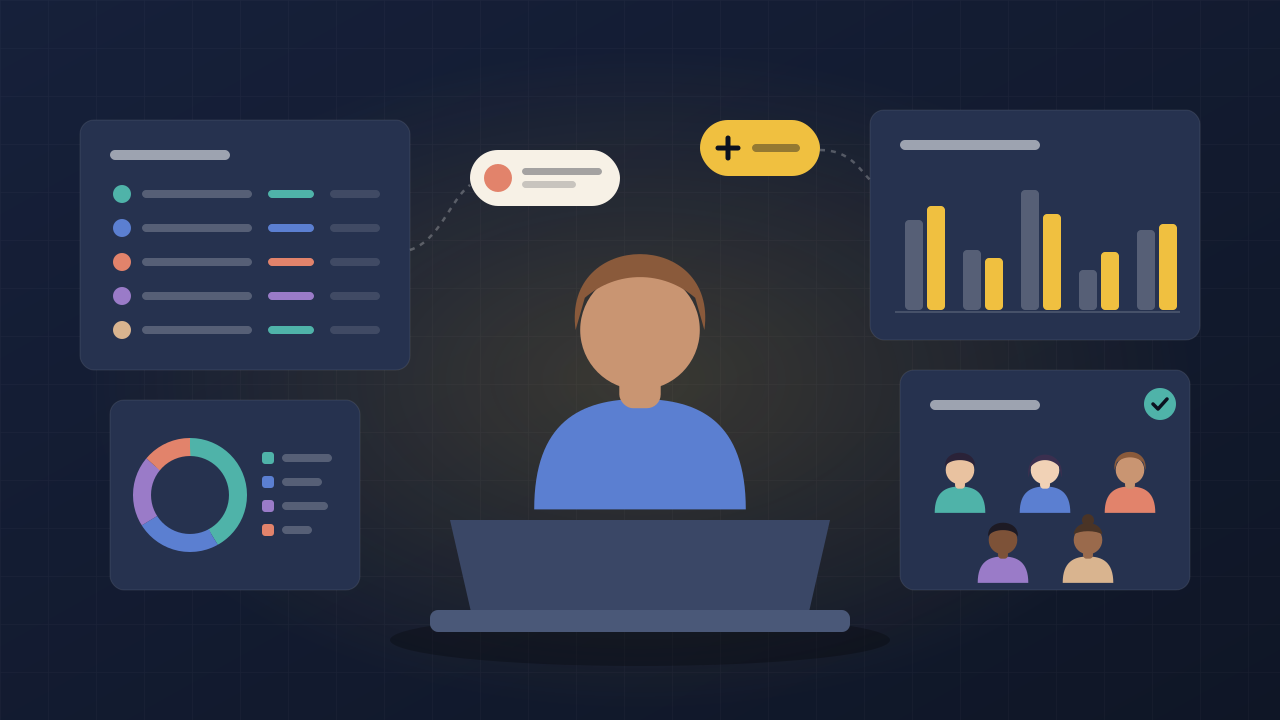
General Overview
~17 minA narrated walkthrough of the platform's major features. The best place to start if you're evaluating whether DISC Software is right for you.
New here? Start with these.
Three short videos get you from a new account to your first logged interaction. Everything else can wait until you need it.
Create your account
Sign up, confirm your email, and take a quick look around.
WatchImport your roster
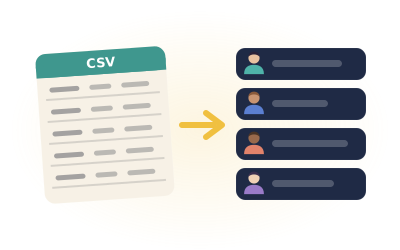
Bring your caseload in from a CSV file. Starting from Excel? There's a short video on converting it.
WatchLog your first interaction
Record a session, guardian contact, or consultation in a few clicks.
Watch
Go deep on any feature.
Each section covers a major area of DISC Software in detail. New videos are added as the platform evolves.

Getting Started
Account setup, settings configuration, and getting your caseload data into the system.

Individual Interactions
Recording and analyzing student sessions, guardian contacts, and peer consultations.

Collective Interactions
Managing student groups and classroom lessons from start to finish.

Time Tracking
Logging your working time and analyzing it against the ASCA recommended use-of-time model.

Student Body
Managing your student roster, profiles, and interaction history.

Team & District
Setting up a counseling team and working with department-wide data.

Settings & Account
Customizing dropdown values, managing your subscription, and account settings.
Can't find what you're looking for?
Email us and we'll help you out directly.